6. Find the topics
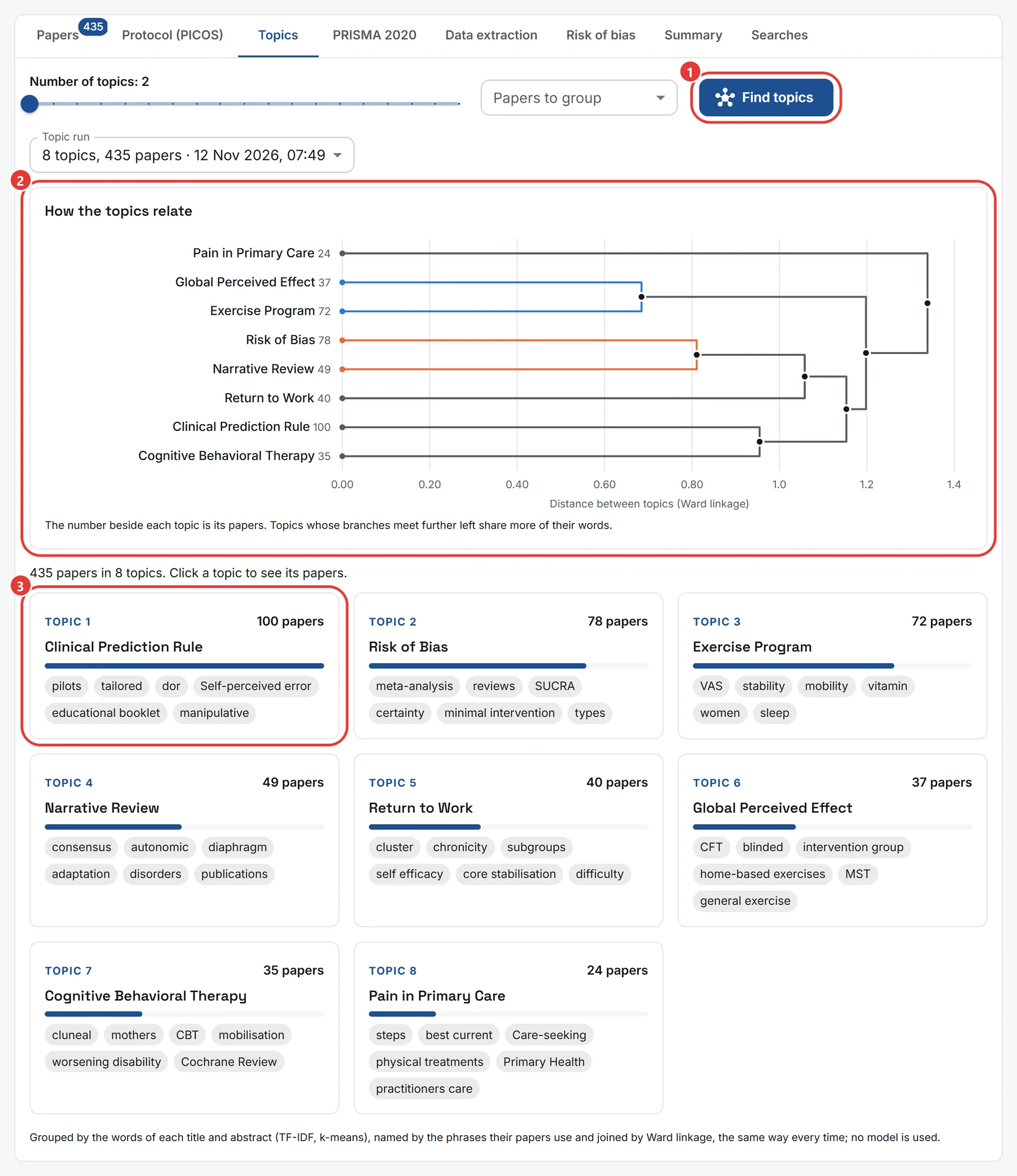
- Choose how many topics to group the papers into, and which papers, then press Find topics.
- How the topics relate draws the topics as a tree: two topics whose branches meet further left share more of their words, and branches of one colour form a group. Press a topic's name to see its papers in the list.
- Each topic is named by a phrase its papers use, and shows its most telling words and how many papers it holds; press one to see its papers in the list.
The grouping uses the words of each title and abstract, the same way every time. It reads at most 500 papers: where the set holds more, the 500 most cited are read, and the page says how many are left out. Choose a narrower set, such as included papers only, to decide which are read. Each topic analysis counts towards your plan's analyses for the day.