1. Start a review
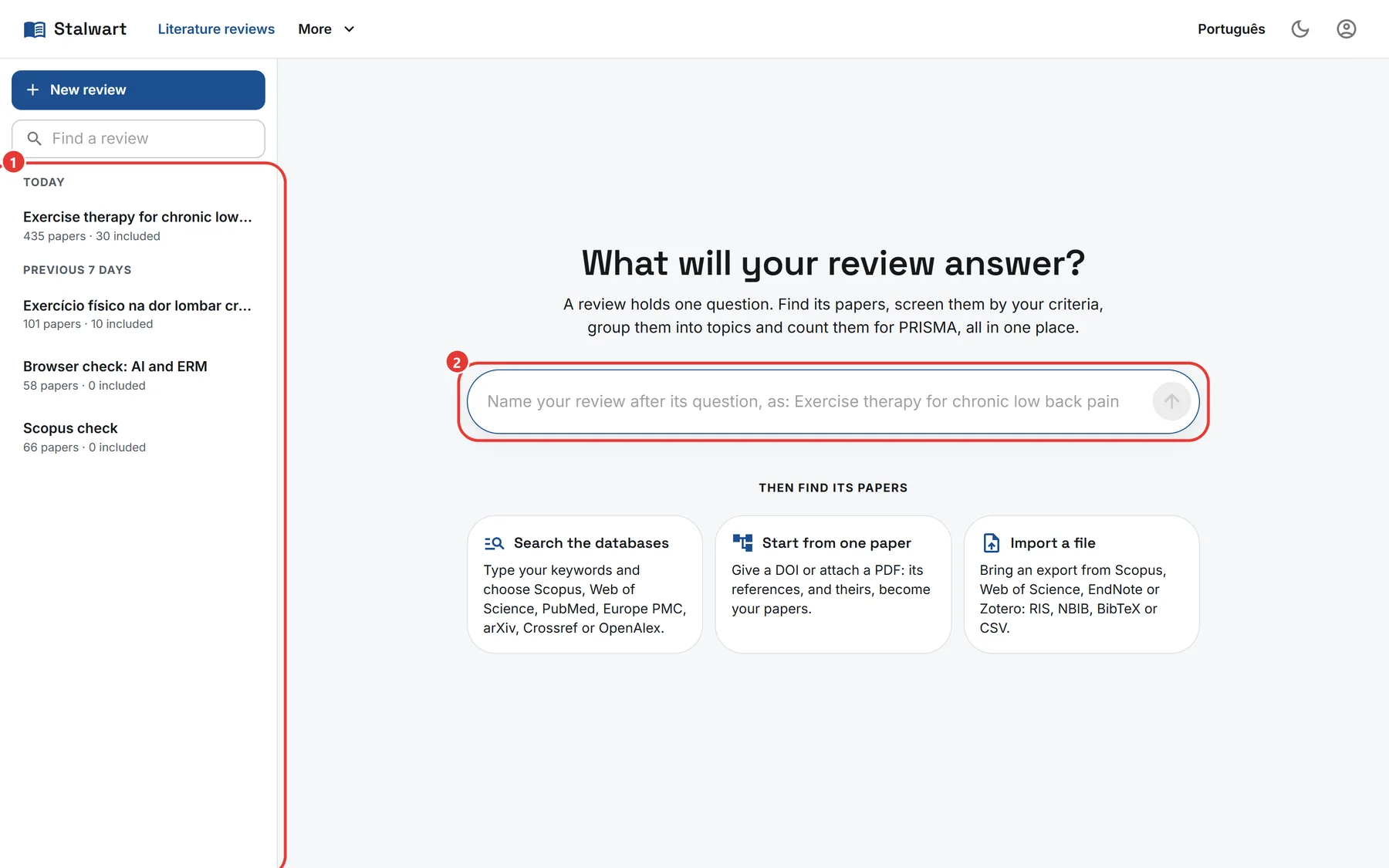
- Your reviews are listed on the left, the most recently changed first, grouped by when each last changed. Open one to carry on where you left it; each shows how many papers it holds and how many you included, and pointing at it shows who started it. Type in Find a review to find one by its title. New review brings back this page.
- Name the new review after the question it answers and press the arrow. The review belongs to your organisation: everyone in it can open it.
A review you finish can be ended, and opened again later; while it is ended, nothing in it changes.